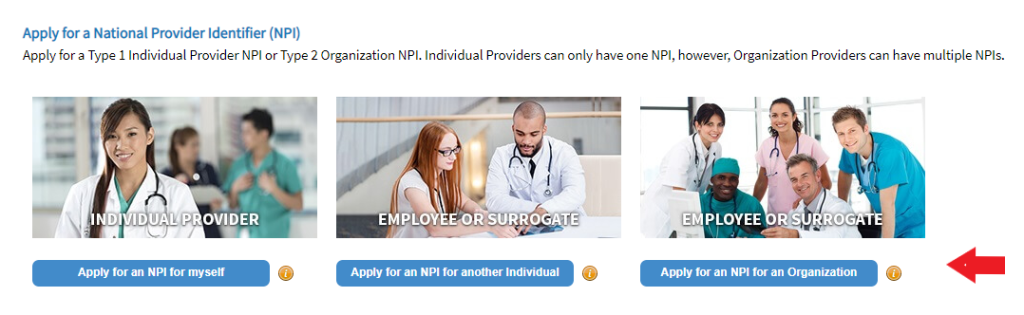
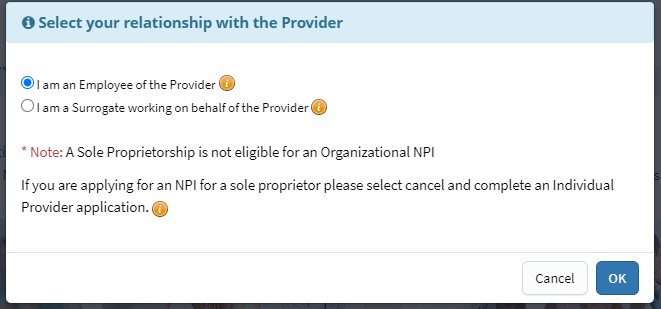
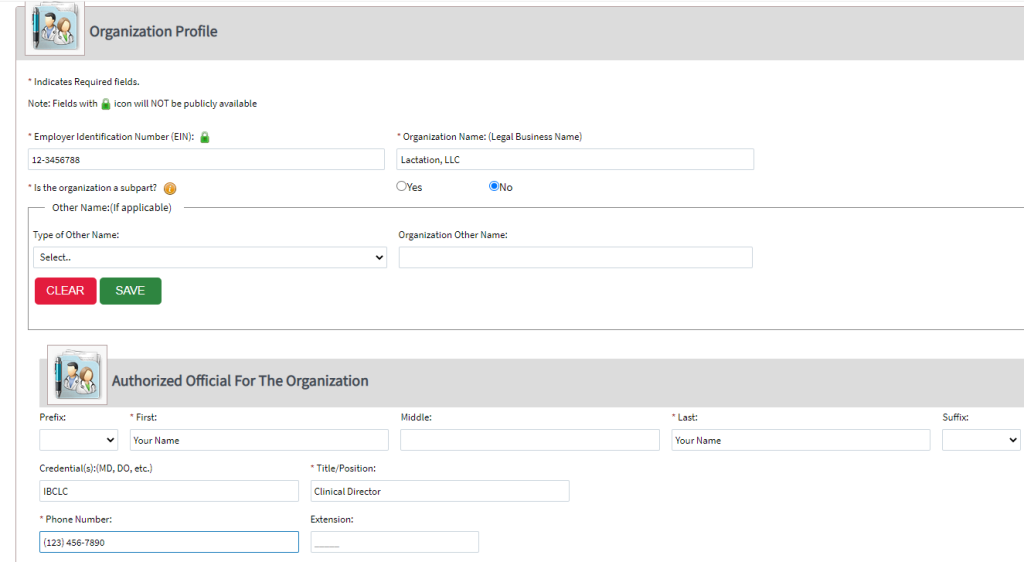
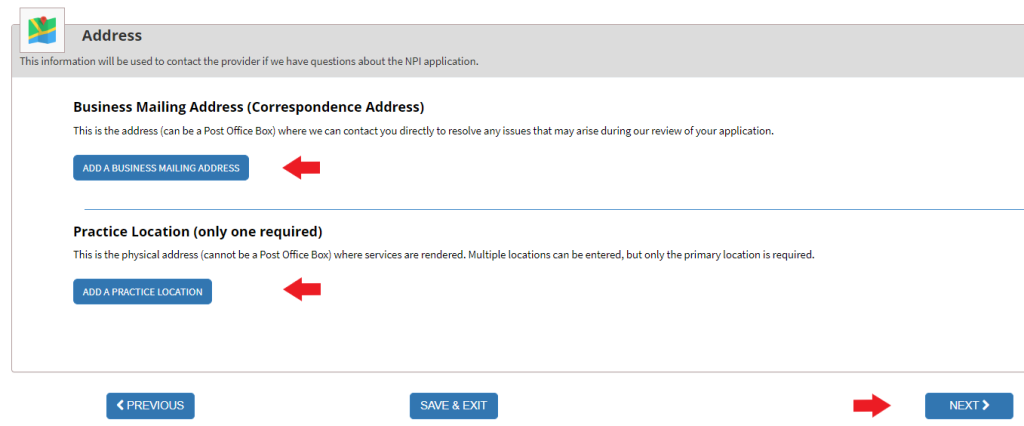
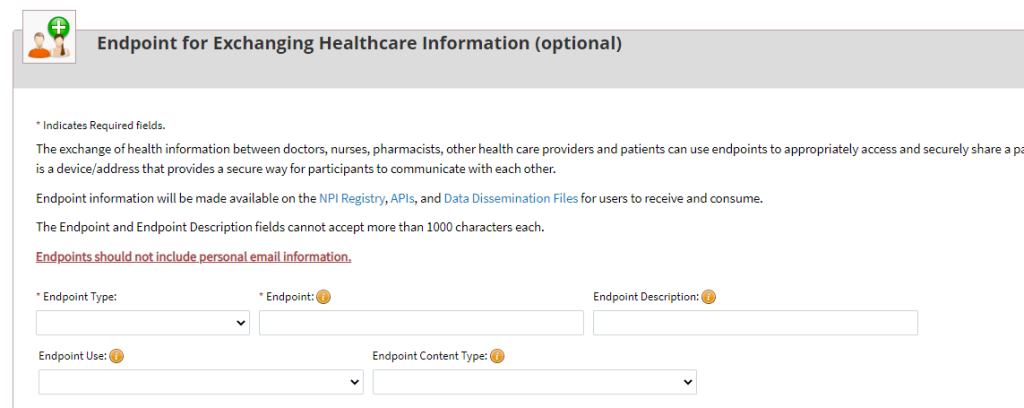
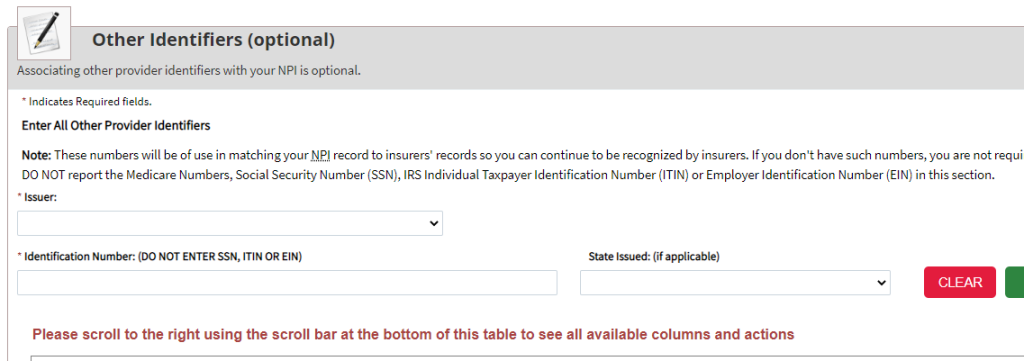
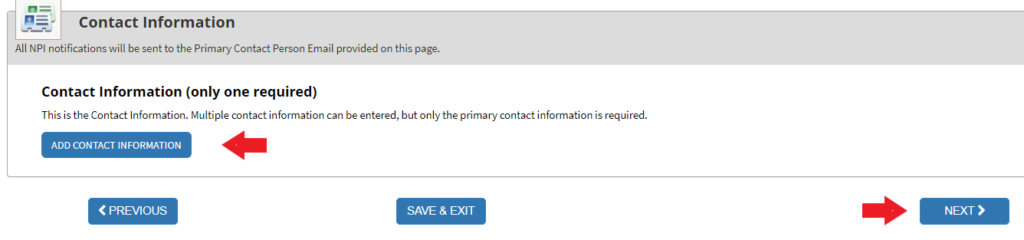
Do not complete these two optional sections called “Endpoint for Exchanging Healthcare Information” and “Other Identifiers.” Instead, please scroll to the bottom of each page and select “Next” to move on to the next section.
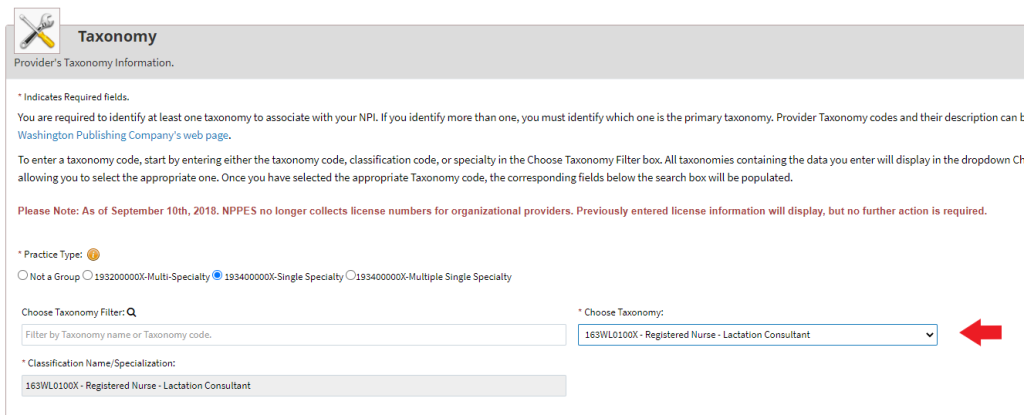
Add your taxonomy below where the red arrow is. Select from the following:
Non-RN IBCLC: 174N00000X
RN IBCLC: 163WL0100X
Clinic: 261Q00000X
Select “Next.”
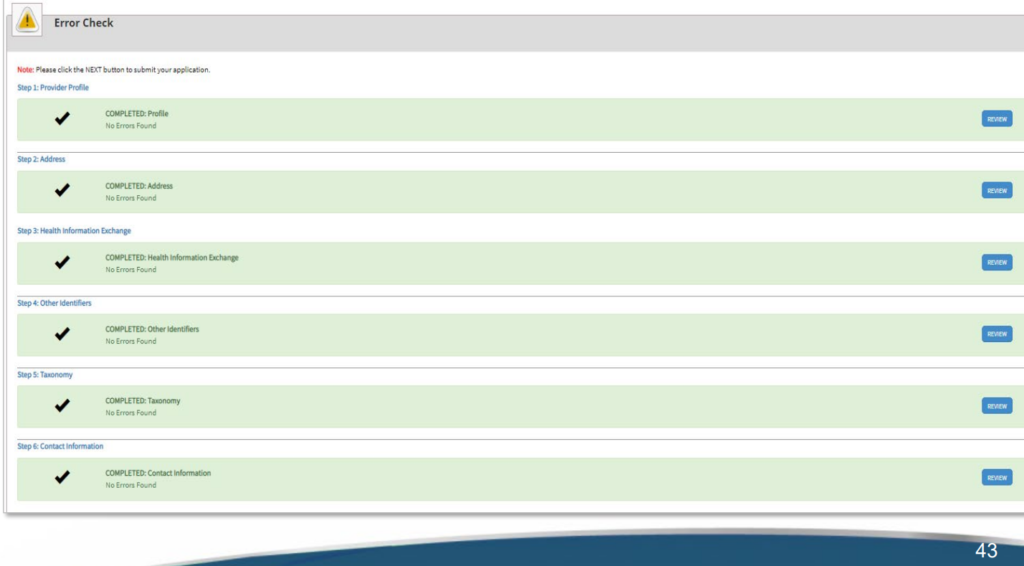
On the Error Check page, the system will identify areas where you may have left something out or made a mistake. Continue correcting until your Error page looks like this:
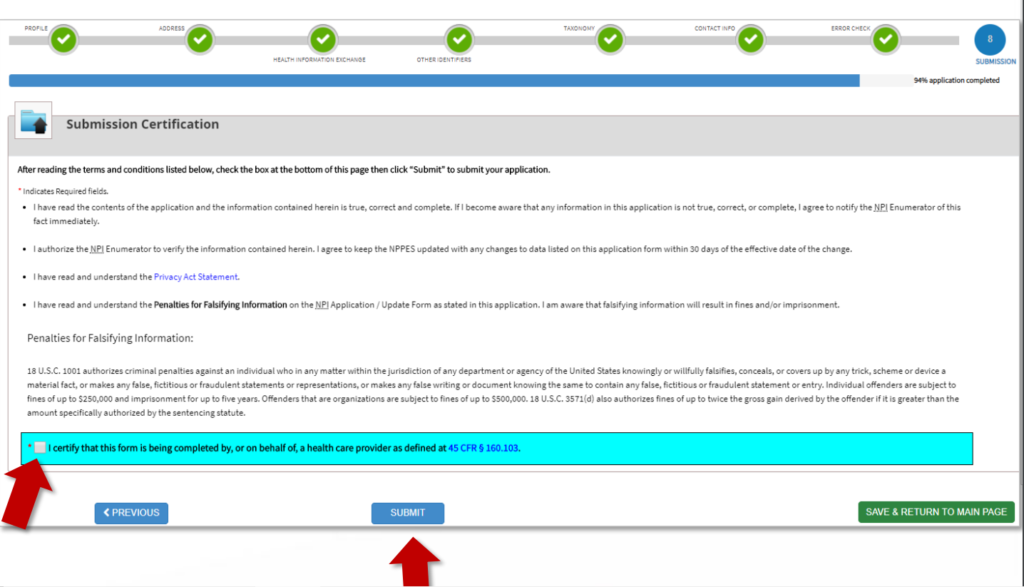
An organization NPI should be emailed to you. It will usually come within a few days of submission.